Send Twitch Stream Alerts to Discord
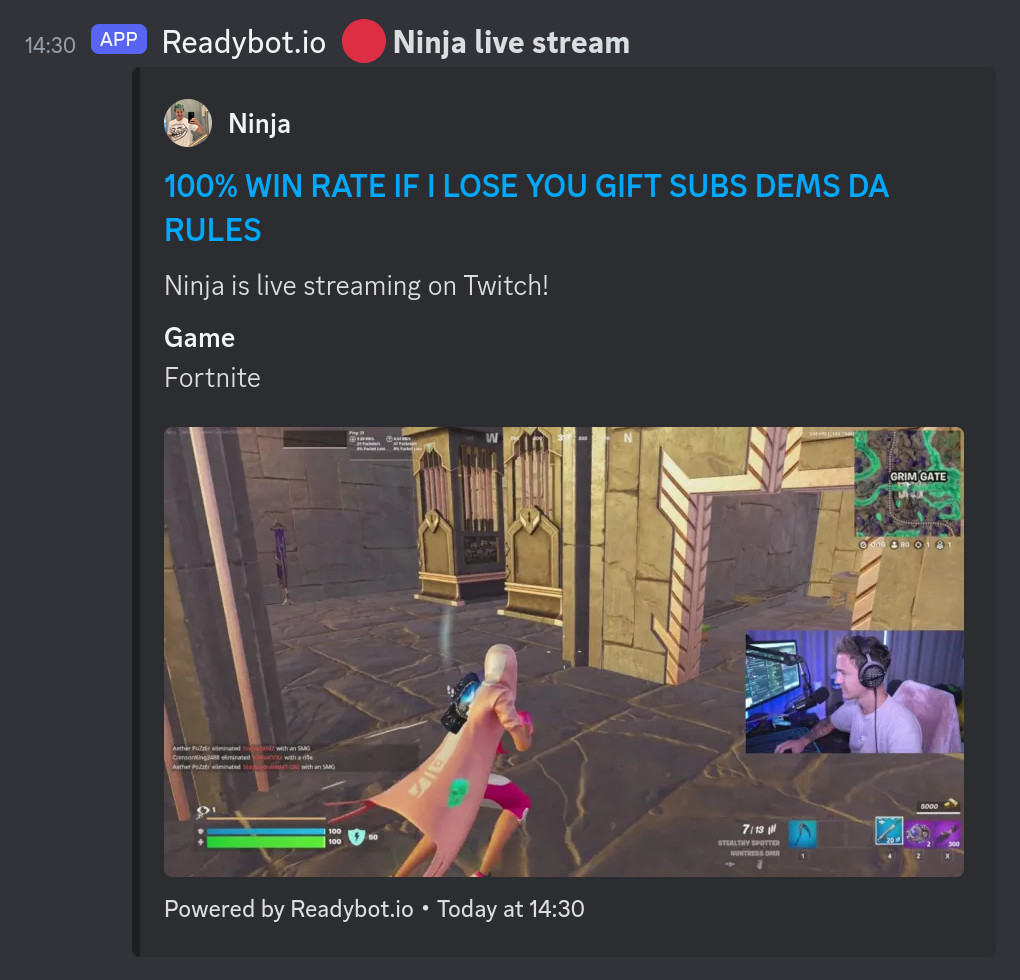
🔴 Twitch alerts for Discord
Send automatic Discord notifications for Twitch live streams & videos. Link your Discord and Twitch communities together using Readybot. Built for streamers & fans alike.
Follow up to 20 Twitch streams for free! Add Readybot to your Discord server now.
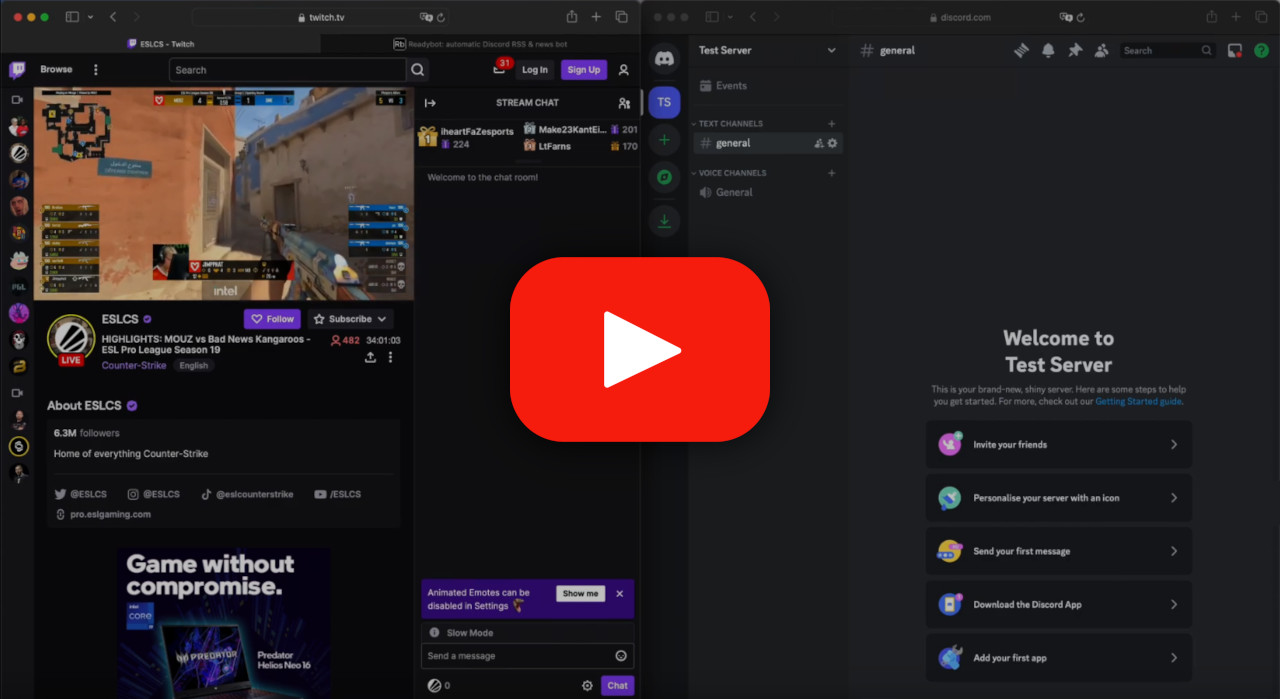
Discord Twitch Notification Bot Features
Content Creators: Engage your community and boost viewers with live Twitch notifications.
Fans: keep track of your favorite streamers and their videos within Discord.
Everyone: Never miss a live stream or replay again using Readybot.

Reliable & trusted
Readybot delivers over a million messages every day to 10 000+ Discord servers and counting.

Follow live streams
Get fast Discord notifications for live streams and videos, typically within a minute.

Filter streams by game
Restrict Discord live stream notifications to specific games being played.

Replay VODs
Optionally send a link to the VOD (Video On Demand) after a stream ends.

See highlights & videos
Optionally send notifications for new highlights and videos.

Message templating
Customize the name and appearance of Readybot and modify the text of messages.

Mention users
Alert users and roles in messages when streams go live.
Frequently asked questions
Is the Twitch bot free?
Yes. Free accounts can follow up to 20 Twitch streams at no cost. Paid plans increase limits and add features like message templating, role mentions and faster updates.
What's the difference between linking Twitch to Discord and using Readybot?
Linking your Twitch account in Discord's Connections settings only links your own account to your personal profile. Readybot automatically posts a go-live alert for any Twitch streamer into a Discord channel, so your whole server knows when a stream starts.
How quickly does Readybot detect a live stream?
Twitch alerts are updated as fast as possible, typically within a minute of the stream going live.
Can I filter Twitch alerts by game?
Yes. Enable the game filter to only get notified when a stream is playing a specific game. You can add multiple games to the filter list.
Add Readybot to your server for free
Readybot.io is not affiliated with or related to Twitch Interactive, Inc. Readybot does not make any guarantees to the availability of the Twitch service.