Send YouTube Videos to Discord
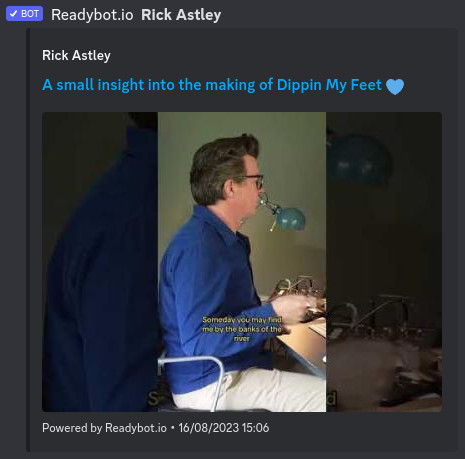
 YouTube alerts for Discord
Send automatic Discord notifications for new YouTube videos. Follow your favorite YouTube channels and never miss an upload. Built for creators & fans alike.
Follow YouTube channels for free! Add Readybot to your Discord server now.
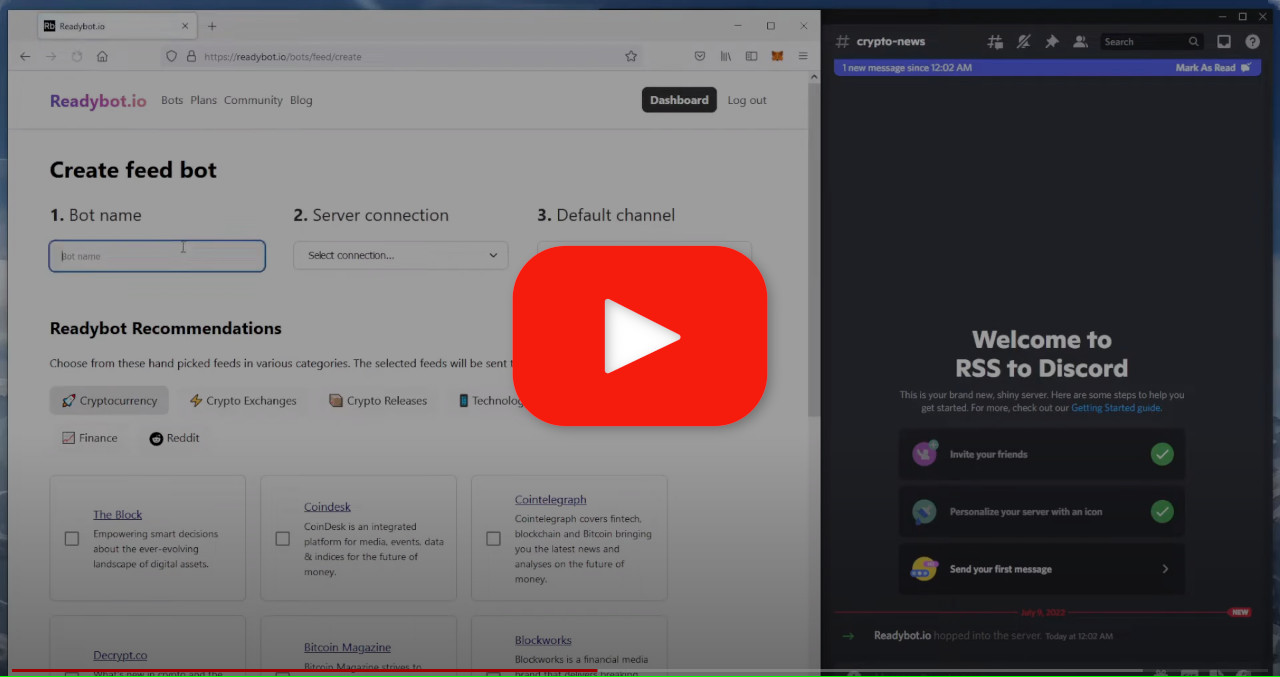
Set up Readybot social feed bot in 45 seconds
Discord YouTube Notification Bot Features
Content Creators: Engage your community and boost views with automatic upload notifications.
Fans: Keep track of your favorite YouTubers within Discord.
Everyone: Never miss a new video again using Readybot.

Reliable & trusted
Readybot delivers over a million messages every day to 10 000+ Discord servers and counting.
Follow YouTube channels
Get Discord notifications for new video uploads typically within minutes.

No API key needed
Readybot uses YouTube's public RSS feeds. Just paste a channel URL and you're done.

Feed filters
Filter videos by title, description and more. Only post what matters.

Message templating
Customize the name and appearance of Readybot and modify the text of messages.

Mention users
Alert users and roles in messages when new videos are uploaded.
Frequently asked questions
Is the YouTube bot free?
Yes. Free accounts can follow YouTube channels at no cost. Paid plans increase limits and add features like filters, message templating, and role mentions.
What's the difference between linking YouTube to Discord and using Readybot?
Linking your YouTube account in Discord's Connections settings only adds YouTube to your personal profile. Readybot automatically posts new videos from any YouTube channel into a Discord channel, so your whole server sees them.
How do I find a YouTube channel's RSS feed?
Just paste the YouTube channel URL into Readybot. Readybot will automatically find the RSS feed for the channel.
How quickly are new videos delivered to Discord?
Video notifications typically arrive within minutes of being published. The exact speed depends on your plan's update interval and YouTube's feed refresh rate.
Can I filter which videos are sent to Discord?
Yes. With a paid plan, you can set up feed filters to only forward videos matching specific keywords in the title or description.
Can I follow multiple YouTube channels?
Yes. You can follow multiple channels and route them to different Discord channels by configuring channels feed by feed, or creating separate Feed Bots.